 and now, NASCAR Racing Sponsor


The BTU Secret To Keeping Your Home Office Cool All Year
-
 By
Michael Haines
By
Michael Haines
- Aug 23, 2025

Working from home has taught a lot of people that comfort is critical for productivity. One of the most common mistakes I see is homeowners installing a unit that’s too small or too large for their office. Both waste money in different ways. The right BTU rating makes all the difference.
Home office cooling depends on room size, window placement, insulation, and electronics. Choosing the right BTU range ensures consistent comfort without inflated utility bills.
Key Highlights
-
How to calculate BTUs for a single room
-
Why electronics and sunlight increase cooling demand
-
Common mistakes when picking small office AC units
-
Recommended BTU ranges by square footage
-
Product spotlight Ductless Mini Splits
How to Calculate BTUs for a Single Room
For home offices, you don’t need the same tonnage as a whole-house system. Instead, calculate cooling needs based on square footage. The basic rule of thumb is 20 BTUs per square foot. That means a 200-square-foot office needs about 4,000 BTUs.
However, square footage is only the baseline. Other factors, like insulation and ceiling height, significantly change the required load. A poorly insulated office might need 10–20% more capacity than a similar-sized room with modern insulation.
For accurate results, homeowners should consider having a Manual J calculation performed, but for most offices, the square-footage method gets you close enough to avoid costly mistakes.
Why Electronics and Sunlight Increase Cooling Demand
Home offices are unique because they typically house more electronics than a standard bedroom. Computers, dual monitors, printers, and even server equipment produce heat that adds to the cooling load. For every additional piece of electronic equipment, add 300–500 BTUs.
Sunlight is another overlooked factor. A room with two large south-facing windows will require substantially more cooling than a shaded room. In cases like this, it’s wise to increase your estimate by at least 10%.
Common Mistakes When Picking Office AC Units
The biggest mistake is buying an underpowered window unit because it’s cheap. These units rarely provide the consistent airflow an office needs. The second mistake is going too big, thinking it will cool faster. Oversized units turn on and off rapidly, leading to poor humidity control and higher electric bills.
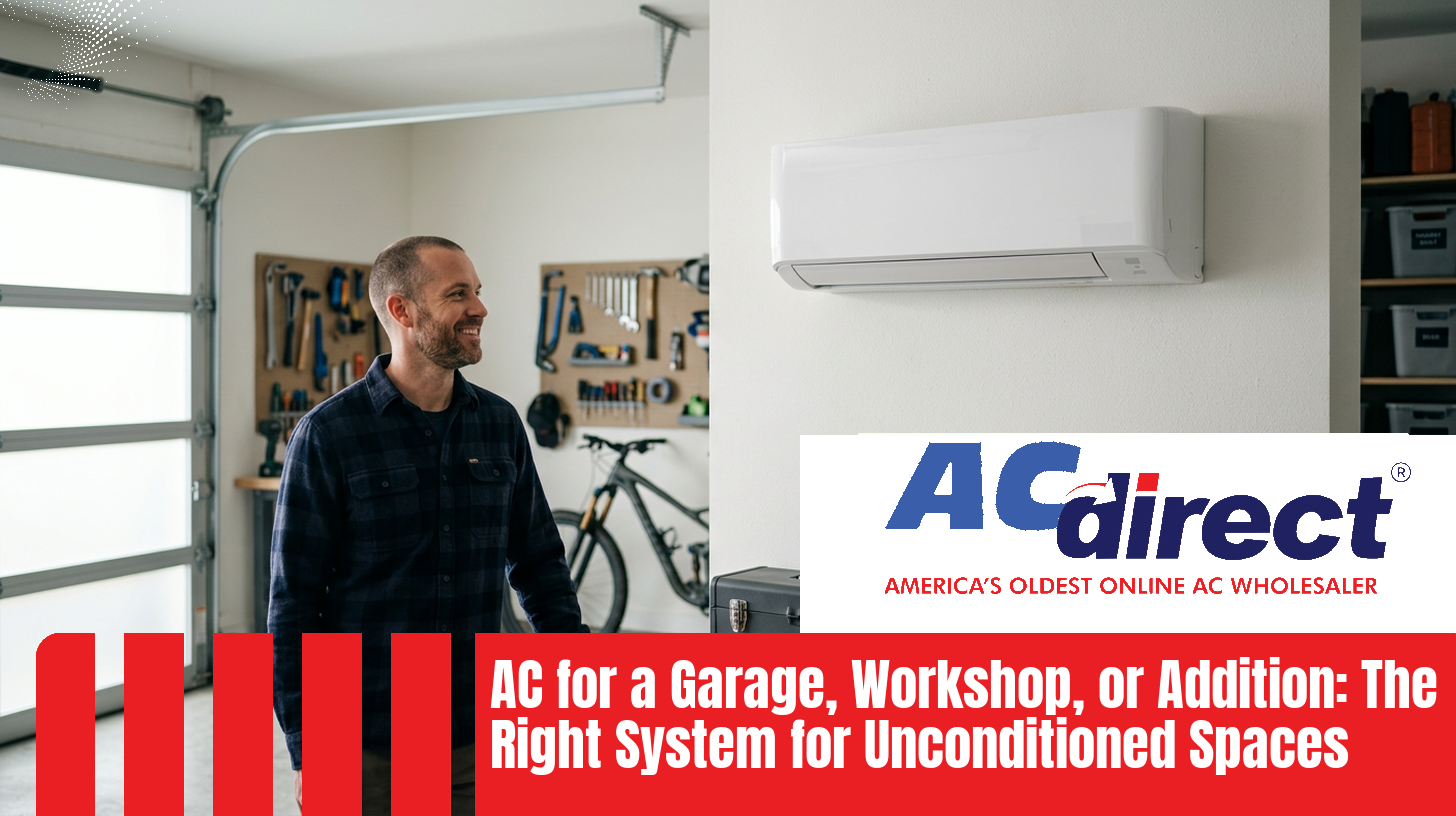
This is why ductless systems are often recommended for offices. A cooling only mini split provides targeted comfort, runs quietly, and operates at high efficiency without short cycling.
Recommended BTU Ranges by Square Footage
Here’s a practical guide for office sizing:
-
100–200 sq ft: 4,000–6,000 BTUs
-
200–300 sq ft: 6,000–8,000 BTUs
-
300–400 sq ft: 8,000–10,000 BTUs
These ranges assume average insulation and minimal direct sun. If your office has multiple electronics or poor insulation, choose the higher end of the range.
In many cases, a mini split air conditioner only is ideal because it can be selected in precise capacities that match small spaces.
Product Spotlight: Ductless Mini Splits
For homeowners serious about office comfort, ductless systems are the clear favorite. A ductless air conditioner cooling only avoids the inefficiencies of central ductwork and delivers quiet operation right where you need it.
Mini splits also come with inverter technology, meaning they adjust output to the exact demand of the room. Instead of cycling on and off, they run steadily, which keeps both temperature and humidity in check—critical for long hours of office work.
Step-by-Step: Size Your Home Office AC Precisely
Step 1: Confirm the actual room dimensions
Measure length and width, then multiply to get square footage. Do not guess. If the room is irregular, break it into rectangles, total them, and use that number. This square-foot figure is the base for every decision that follows.
Step 2: Set a baseline BTU target from square footage
Use 20 BTU per square foot as a starting point for most home offices. A 200 square foot room starts at 4,000 BTU. This is only the baseline. You will adjust it in the next steps.
Step 3: Adjust for ceiling height
The rule of thumb assumes an 8 foot ceiling. If the ceiling is higher, multiply the baseline by ceiling height divided by 8. A 9 foot ceiling uses a factor of 1.125. If the ceiling is lower than 8 feet, you can scale down slightly, but most modern rooms are 8 to 10 feet and benefit from this correction.
Step 4: Account for insulation and air sealing
Insulation quality and leakage change the load. Poor insulation or a leaky room can require 10 to 20 percent more capacity. Recent construction with tight air sealing can allow a reduction of 5 to 10 percent. If you are unsure, assume average and do not reduce.
Step 5: Factor in sunlight and window orientation
Solar gain is real. South or west exposure with large glass surfaces raises the load. Add 10 to 25 percent if the room gets sustained afternoon sun, especially with minimal shading. North exposure or heavy shading may allow you to hold the baseline without increases.
Step 6: Add heat from electronics
Offices run hot because of equipment. Add 300 to 500 BTU for each heat-producing device beyond a single laptop. Desktops, dual monitors, printers, network gear, and chargers all contribute. If a small server or NAS runs around the clock, use the high end of that range.
Step 7: Consider occupants
The baseline assumes a single occupant. Add about 600 BTU for every additional person who will be in the office for extended periods. Short visits do not matter, sustained occupancy does.
Step 8: Note room location and construction quirks
Rooms over a garage, above an unconditioned space, or at the end of long duct runs tend to need more capacity. Add 10 percent in these cases. Interior rooms with fewer exterior walls sometimes hold the baseline without increases.
Step 9: Apply climate and setpoint expectations
Hot and humid climates demand more dehumidification. If you require low indoor humidity or plan to run lower setpoints during work hours, add 10 to 15 percent. If the climate is mild and you keep setpoints conservative, you can hold the previous figure.
Step 10: Total the adjustments and pick a capacity class
Start with the baseline, apply each percentage adjustment in sequence, then add any fixed BTU from electronics and occupants. Round to the nearest available capacity that meets or slightly exceeds your total. Avoid jumping an entire size beyond what the math supports. Oversizing reduces run time, which harms humidity control and can create uneven indoor conditions.
Step 11: Choose the equipment type that fits the room
For single rooms, a cooling-only ductless mini split is usually the cleanest solution. It provides precise capacity options, quiet operation, and strong part-load efficiency. If the office is part of a central system and you cannot isolate it effectively, consider zoning or a dedicated ductless unit to avoid overcooling the rest of the home.
Step 12: Verify electrical and mounting details
Confirm circuit requirements, voltage, and available breaker space before you order. Check wall or ceiling clearances for the indoor head, a clean path for the lineset, and a suitable mounting location for the outdoor unit that avoids recirculating hot exhaust air.
Step 13: Plan controls and scheduling
Select a unit with a reliable thermostat or app control so you can schedule work hours, set setbacks, and manage the room remotely. This keeps the office within your target range during work blocks without wasting energy during off hours.
Step 14: Commissioning checklist after installation
After startup, verify that supply air temperature drop is appropriate, the unit ramps smoothly, and humidity stays within target during long work sessions. If the unit short cycles or the room drifts, review capacity, fan speed settings, and setpoints. Small tweaks often stabilize the space quickly.
Worked example: a sun-exposed office with electronics
A 12 by 15 foot room is 180 square feet. Baseline is 3,600 BTU. The ceiling is 9 feet, so multiply by 1.125 for 4,050 BTU. Two monitors and a desktop add about 800 BTU, bringing the subtotal to 4,850 BTU. Afternoon sun through a west-facing window adds 15 percent for 5,578 BTU. Average insulation with a few leaks adds 10 percent for 6,136 BTU. Round to a 6,000 to 7,000 BTU class unit. A small cooling-only ductless system in that range will run steadily, manage humidity, and keep the workspace within your target range without oversizing.
Energy Efficiency Considerations
While BTU capacity is the first concern, efficiency should be the next. Look for high SEER2 ratings when shopping for a mini split. A unit with a higher SEER2 rating will lower utility bills, which matters in an office where the AC might run eight hours or more per day.
Smart thermostats and programmable timers also make a difference. If your office isn’t used every day, you can set the system to run only during working hours, saving further on monthly costs.
FAQs
How many BTUs do I need for a 200-square-foot home office?
A 200-square-foot office generally requires about 4,000 BTUs, but you may need more if the room has a lot of electronics or direct sunlight.
Can I use a window AC for my office?
Yes, but it’s not ideal. Window units are often noisy and less efficient. A ductless mini split provides more precise cooling and quieter operation.
Do computers really affect cooling needs?
Absolutely. Each computer and monitor generates heat. Add 300–500 BTUs for every piece of equipment in the room.
Is a ductless mini split worth the investment?
Yes. Mini splits offer targeted cooling, higher efficiency, and quiet operation—making them perfect for home office spaces.
Should I oversize my unit to be safe?
No. Oversizing leads to short cycling and humidity issues. Always aim for the closest BTU match to your actual office needs.
Final Thoughts
Sizing your home office AC isn’t complicated, but it does require careful attention. Start with square footage, adjust for sunlight and electronics, and then choose the right equipment type. For most homeowners, a properly sized cooling only mini split is the most efficient, reliable, and cost-effective option.
Avoid the temptation to guess or oversize. Instead, select a system that matches your office’s unique requirements. Doing so ensures steady comfort, lower bills, and a workspace where productivity can thrive.