

MRCOOL DIY Install Manual Walkthrough: 4th Gen vs 5th Gen Differences
-
 By
Michael Haines
By
Michael Haines
- Apr 12, 2026
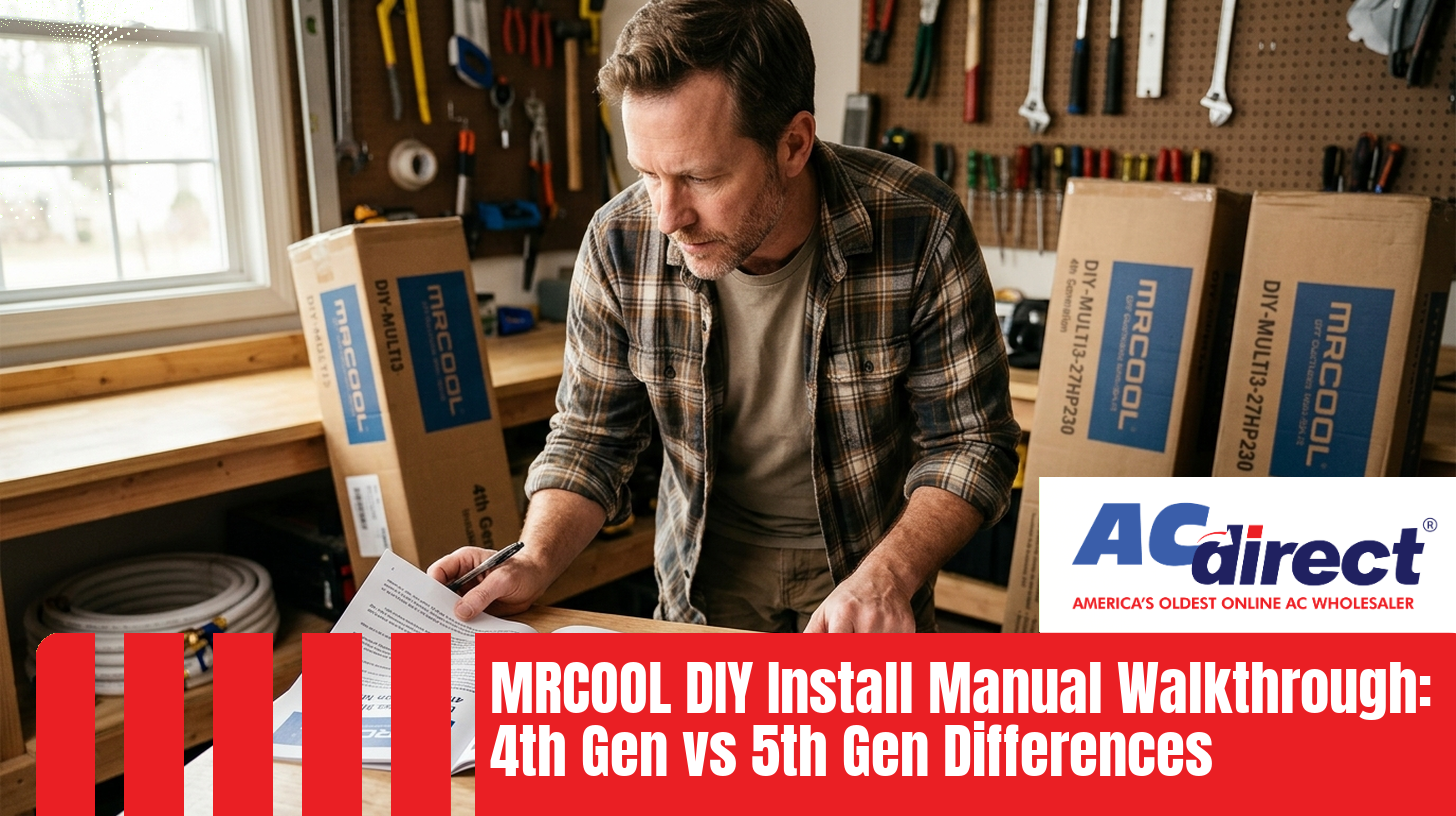
A page-by-page look at what changed in the install manual, what's easier in 5th Gen, and what 4th Gen owners still need to know.
If you bought your MRCOOL DIY in 2022 and your neighbor bought one last month, you're holding two different install manuals - and the steps inside are not identical. The 5th Generation system swapped the refrigerant, redesigned the communication wiring, and trimmed several pages of instructions in the process. None of it is dramatic, but if you mix up steps from the wrong manual, you can make the job harder than it needs to be.
This walkthrough compares the 4th Gen and 5th Gen MRCOOL DIY install manuals side by side, in plain language, so you know exactly what to expect before you cut a hole in the wall. For the full step-by-step process, our complete MRCOOL DIY installation guide covers every stage from unboxing to first start-up.
MRCOOL ships the printed install manual inside the indoor air handler box, tucked behind the foam. If yours is missing, water-damaged, or you tossed it during unboxing, you have a few easy options:
- support.mrcool.com hosts current PDF manuals organized by model number. Look at your condenser data plate for the exact model (for example, DIY-12-HP-WMAH-230D25-O) and match it to the right manual.
- Your AC Direct order page usually links to the appropriate manual under the product specs.
- The MRCOOL app stores a digital copy once you register the unit.
One quick tip: confirm you're reading the right generation before you start. The 4th Gen manual references R-410A refrigerant on the cover page; the 5th Gen manual references R-454B. If those letters and numbers don't match the sticker on your condenser, you have the wrong PDF open.
Both manuals follow roughly the same structure, but the 5th Gen version is shorter overall thanks to the simplified wiring. Here's what each section covers and where the two diverge.
Standard safety warnings, plus a spec table covering BTU, voltage, dimensions, and refrigerant type. The 5th Gen spec page lists the new R-454B refrigerant and updated SEER2 / HSPF2 efficiency numbers (up to 23.5 SEER2 and 10.0 HSPF2-4 on the 12,000 BTU Hyper Heat). The 4th Gen tops out closer to 20-22 SEER under the older testing standard.
Both manuals walk you through choosing wall locations, condenser pads, and clearance distances. The required tool list shrinks slightly in 5th Gen because you no longer fish individual conductors through conduit.
This section is essentially identical between generations. Mount the bracket, drill the wall pass-through (typically 3 inches), level the unit, and route the line set, drain hose, and communication cable out together.
This is where the manuals diverge the most. We'll cover both versions in detail in the next two sections.
Both manuals end with the same start-up sequence: power up, run a cooling cycle, run a heating cycle, check for leaks at the fittings, and register online. Warranty registration is required to activate the 7-year compressor / 5-year parts coverage on 5th Gen units.
The 4th Gen process is well-tested and still works fine for the thousands of units already in service. Here's how the manual walks you through it.
Pre-charged Quick-Connect line set comes in 16-, 25-, 35-, or 50-foot lengths depending on what you ordered. Route it through the wall along with the drain hose.
4th Gen requires you to run a separate communication cable and power conductors, typically inside flexible electrical conduit to protect them from sun, weather, and pests. The manual specifies wire gauge based on BTU and run length.
Both ends of the line set thread together by hand, then get torqued to spec with a wrench. The pre-charged R-410A refrigerant releases into the system once you open the service valves.
Standard 230V circuit for most units. The manual provides a wiring diagram showing the terminal block layout on both indoor and outdoor units.
Remove the brass caps on the service valves, use the included hex key to open both, then power up and run through the test cycle.
Total time for most homeowners: 4-8 hours on a single zone. Multi-zone setups can stretch into a second day. If you're installing a single-zone 4th Gen unit, our single-zone install walkthrough covers the steps in more visual detail.
The 5th Gen manual cuts steps, not corners. Here's what's different in the install procedure.
The single biggest manual change. Instead of running a communication cable plus power conductors through electrical conduit, the 5th Gen uses a single weather-rated DIYPRO® cable that handles both jobs in one armored sheath. It resists UV, pests, and string trimmers without the conduit. The manual page that used to walk through bending and cutting conduit is simply gone.
The fittings work the same way - hand-thread, then torque - but the refrigerant inside is the lower-GWP R-454B. Most 5th Gen DIY units ship with a pre-charged 25-foot line set; Easy Pro™ models include a 16-foot Fast Connection® line set. Either way, you still don't need a vacuum pump or refrigerant gauges.
The efficiency numbers on the spec page are higher, and the 5th Gen multi-zone manuals include the new 55,000 BTU 6-zone condenser that didn't exist in 4th Gen. There are also new 6,000 BTU air handlers and cassette options listed for smaller rooms.
Most 5th Gen Hyper Heat models run on 230V, but the 12K E-Star condenser is 115V. The manual flags this on the spec page, and it's worth confirming before you wire your disconnect.
If you're trying to decide whether to upgrade, or just want to know what your 5th Gen neighbor has that you don't, here's the head-to-head comparison drawn from both manuals.
| Feature | 4th Gen | 5th Gen |
|---|---|---|
| Refrigerant | R-410A | R-454B (lower GWP) |
| Peak SEER2 | ~20-22 SEER (older standard) | Up to 23.5 SEER2 |
| Peak HSPF2-4 | Lower | Up to 11.5 |
| Communication Wiring | Separate cable + conduit | DIYPRO® cable, no conduit |
| Standard Line Set | 16/25/35/50 ft pre-charged | 25 ft pre-charged (16 ft on Easy Pro) |
| Max Zones | 5 (48K BTU condenser) | 6 (55K BTU condenser) |
| Smallest Air Handler | 9,000 BTU | 6,000 BTU |
| Hyper Heat Low Temp | Limited models | Down to -22°F (12K, 18K) |
| Coil Coating | Standard | Gold Fin (corrosion-resistant) |
| Outdoor Sound Level | ~63-65 dB peak | Below 60 dB |
Pricing varies by configuration, but a 5th Gen 2-zone 18,000 BTU system runs roughly $2,776 to $3,110, while a 6-zone configuration reaches around $7,300. The Easy Pro 12K sits at $1,649. Compared to a fully professionally installed traditional system at $8,000 to $15,000, DIY homeowners typically save $2,000 or more in labor alone. For a deeper feature breakdown beyond the manual itself, our full 4th Gen vs 5th Gen comparison covers performance, warranty, and real-world owner reports.
- Don't open the service valves until everything is connected. Both manuals are emphatic about this - releasing the pre-charged refrigerant into open lines means you're done before you started.
- Torque the fittings to spec. Hand-tight isn't enough. Both manuals list specific torque values per line size.
- Mount the condenser level and elevated. Snow, leaves, and ground moisture shorten the life of any outdoor unit.
- Register online for warranty. Both generations require this step to activate full coverage.
Need help deciding between models, or have questions about which generation matches your home? Call 866-862-8922 to talk to a DIY expert, or view AC Direct's MRCOOL DIY collection to compare current options.
Can I use a 4th Gen line set on a 5th Gen condenser?
No. The two generations use different refrigerants - R-410A for 4th Gen and R-454B for 5th Gen. The pre-charged line set has to match the unit it ships with. Mixing refrigerants damages the system and voids your warranty.
Do I need a vacuum pump or refrigerant gauges to install either generation?
No, that's the whole point of the DIY series. Both 4th Gen and 5th Gen use Quick-Connect line sets pre-charged at the factory. You hand-thread the fittings, torque them to spec, then open the service valves to release the refrigerant into the system. No vacuum, no gauges, no EPA refrigerant license required.
How long does a typical 5th Gen install take?
Most homeowners complete a single-zone 5th Gen install in 4-8 hours. Large multi-zone systems with 4 to 6 indoor heads can stretch into a second day. The DIYPRO® cable and shorter wiring procedure save roughly 30 to 60 minutes compared to a 4th Gen install on the same configuration.
Does the 5th Gen really work in extreme cold?
The 5th Gen Hyper Heat series, available in 12K and 18K BTU sizes on 230V, is rated for reliable heating down to -22°F. Standard (non-Hyper Heat) models lose capacity in deep cold and may need supplemental heat below 0°F. Check your specific model's spec sheet before relying on it as your only heat source.
Where is the model number located so I can match the right manual?
Look at the data plate on the side of the outdoor condenser. Single-zone units start with DIY (for example, DIY-12-HP-WMAH-230D25-O) and multi-zone units start with DIY-MULTI. Match that exact string on support.mrcool.com to download the correct PDF manual for your generation.