

MRCOOL DIY Error Codes Decoded: What Every Code Means & How to Fix It
-
 By
Michael Haines
By
Michael Haines
- Apr 10, 2026
A plain-language guide to every common MRCOOL DIY fault code, what's actually wrong, and which fixes you can handle yourself before calling support.
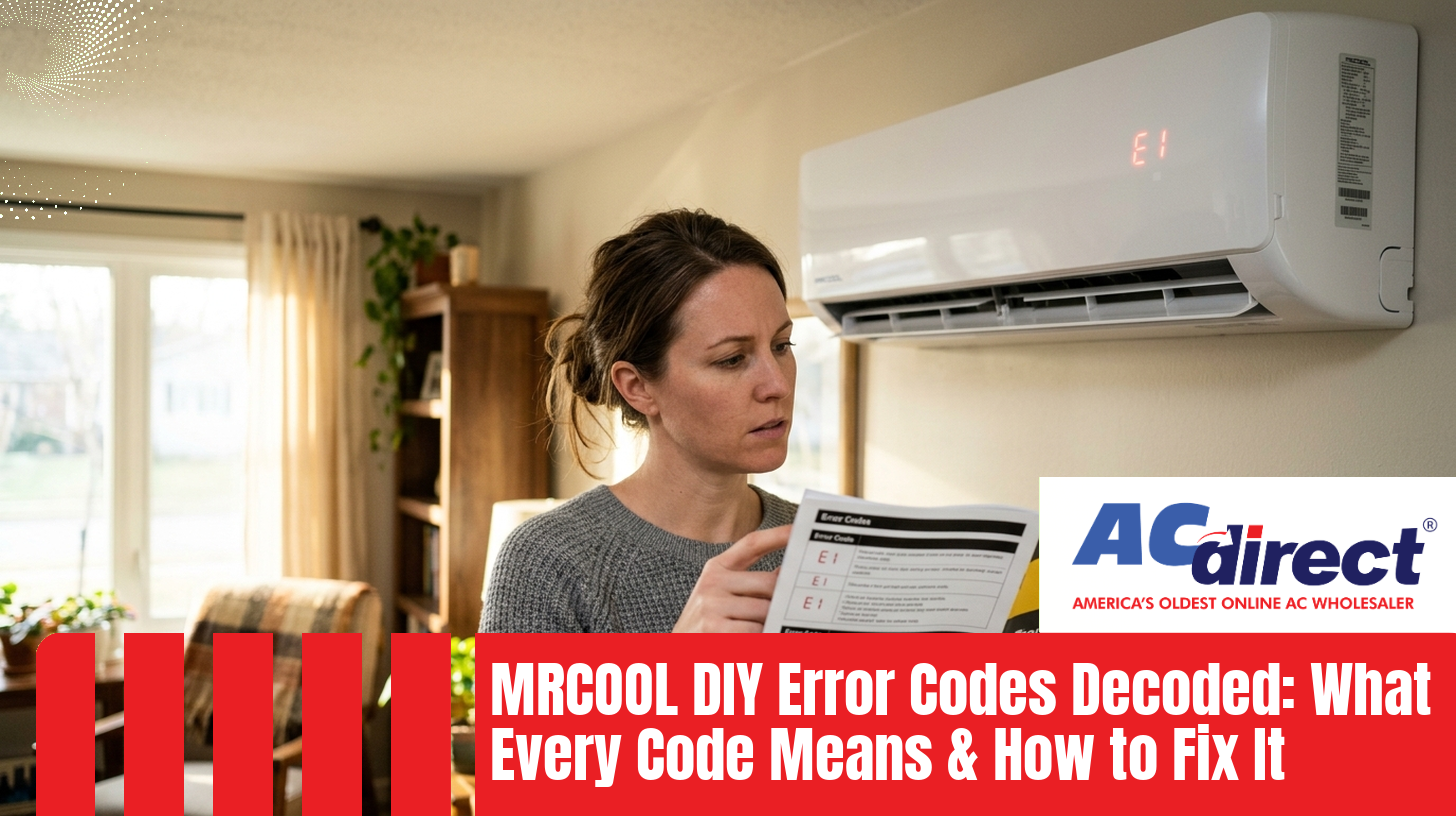
You spent the weekend mounting brackets, running the line set, tightening flare nuts, and finally flipping the breaker. Instead of cold air, the display flashes E1. That sinking feeling is universal, but the code is not a death sentence. It's your system telling you exactly where to look. Most MRCOOL DIY error codes point to small issues, like a loose communication wire or a sensor connector that didn't fully click in, that you can fix in 15 minutes without calling anyone.
This guide decodes every common MRCOOL DIY fault code across 4th Gen and 5th Gen systems, tells you the likely cause, and shows you exactly when to roll up your sleeves versus when to phone in support. For broader symptom-based help, our MRCOOL DIY Troubleshooting Owner's Manual covers issues that don't always trigger a code.
MRCOOL has slightly different code formats across generations. 4th Gen units (R-410A) typically display short codes like E1, E3, P4. 5th Gen units (R-454B, including Easy Pro and HyperHeat) often use a longer prefix like EL01, EH-03, EH60. They mean roughly the same things — just newer firmware spelling them out.
| 4th Gen | 5th Gen | What It Means | DIY-Friendly? |
|---|---|---|---|
| E0 | EH00 | Indoor control board (PCB) fault | Reset only - usually support |
| E1 | EL01 | Indoor / outdoor communication failure | Yes - check wiring |
| E2 | EH02 | Zero-crossing signal detection error | Reset only - usually support |
| E3 | EH-03 | Indoor fan motor speed out of range | Yes - clear obstructions |
| E4 | EH60 | Indoor room temp sensor (T1) fault | Yes - reseat connector |
| E5 | EH61 | Indoor coil temp sensor (T2) fault | Yes - reseat connector |
| E6 | -- | Multiple indoor faults / EEPROM error | Reset, then support |
| EC | EL0C | Refrigerant leakage detected | Call support / HVAC tech |
| P0 | -- | IPM module / inverter protection | Reset, then support |
| P1 | -- | Abnormal voltage (over/under) | Yes - check power supply |
| P4 | -- | Inverter compressor drive error | Reset, then support |
| DF | DF | Defrost cycle (NOT an error) | Normal operation |
What it means: The indoor head's printed circuit board (PCB) has reported an internal fault. This is the brain of the indoor unit, and it has flagged something it doesn't like about itself.
A failed component on the indoor PCB, a corrupted firmware state from a power surge, or moisture intrusion (common if the indoor head is in a humid space without a properly sloped drain).
Power cycle the system at the breaker for 10 minutes. If E0 returns immediately, this is one of the few codes you cannot resolve from a ladder. Indoor control board replacement is covered under the 5-year parts warranty, so call MRCOOL support at 1-800-330-5174 with your model number and serial number ready.
What it means: The indoor head and the outdoor condenser are not talking to each other. This is the single most common error code MRCOOL DIY owners see, and the good news is it's almost always a wiring issue you put in yourself.
- Loose communication wire at the indoor or outdoor terminal block
- Reversed polarity (L and N swapped)
- Damaged DIYPRO communication cable on multi-zone systems
- Faulty PCB on either end (rare, last suspect)
Never poke around live terminals. Confirm the indoor display is fully dark before opening any cover.
Open the terminal cover on both the indoor unit and the outdoor unit. Check L1, L2, N, and the communication wire (often labeled S or C). Each wire should have no copper showing and the screw should be firm. Tug-test each one.
L1 indoor goes to L1 outdoor. N to N. Communication to communication. Swapping L and N is a common cause of E1 right after install.
Restore power, wait 60 seconds for the units to handshake. If E1 clears, you're done. If it returns, the communication wire itself may be damaged or one of the PCBs is at fault.
What it means: The indoor PCB can't read the AC waveform correctly to time its switching components.
Likely Cause: Unstable house power, brownouts, or a failed component on the indoor board.
DIY Fix: Power cycle. Check that other electronics in the house aren't flickering. If the issue persists on stable power, this is a PCB job — call support.
What it means: The indoor fan is either not spinning, spinning too slowly, or the PCB cannot read its feedback signal.
- Kill the breaker first. Open the front cover of the indoor head.
- Spin the fan blade by hand. It should rotate freely with no scraping. If it's stiff, look for debris, insect nests, or warped vanes.
- Check the fan motor connector on the indoor PCB. Unplug, inspect for corrosion, plug it back in firmly.
- Power back on. If the fan now spins on startup, you're good.
What it means: The T1 sensor that reads ambient room air is reading "open" (disconnected) or "shorted" (damaged). The system can't tell what temperature the room actually is, so it shuts down.
Power off at the breaker. Open the indoor unit cover and find the small two-wire sensor labeled T1 plugged into the PCB — it usually sits near the return air intake. Unplug it, check for green corrosion or bent pins, and plug it back in until it clicks. Power back on. If E4 returns, the sensor itself has likely failed and is a cheap warranty replacement part.
What it means: Same idea as E4, but this is the sensor clipped to the indoor copper coil, monitoring evaporator temperature. The fix is identical: locate the T2 connector on the PCB, reseat it, and replace if the code persists.
What it means: The indoor PCB is reporting either a corrupted memory chip (EEPROM) or several simultaneous sensor faults.
DIY Fix: One full power cycle is worth trying. If E6 stays, this is a board-level issue — contact MRCOOL support for a warranty replacement. Owners report that this process can take a week or two between diagnosis and parts arriving, so don't assume same-day resolution.
What it means: The outdoor inverter board has tripped its own overload protection. This is the chip that drives the variable-speed compressor.
Likely Cause: Overheated outdoor unit (debris around the condenser, fan not spinning), high amp draw, or an aging IPM chip.
DIY Fix: Clear leaves, snow, and pet hair from around the outdoor unit. Confirm the outdoor fan spins when the system runs. Power cycle. If P0 persists, the inverter board needs professional attention.
What it means: The system is seeing voltage outside its safe operating window. Most MRCOOL DIY units run on 230V; sustained drops below ~187V or spikes above ~253V will trip P1.
- Confirm the breaker matches the unit's rated amperage (typically 15A or 20A for a 12K BTU, larger for bigger systems).
- Check for other electronics in the house dimming or flickering — that's a sign of a house-wide voltage issue, not a unit issue.
- If you're on a long extension or shared circuit (you shouldn't be), get the unit on its own dedicated circuit.
- If your utility power is unstable, a whole-house surge protector or voltage stabilizer is worth considering.
What it means: The system has detected that pressures or coil temperatures don't match what they should be for the runtime — a strong signal of low refrigerant.
The pre-charged Fast Connection® line set is a huge advantage, but the flare connections at both ends still need to be torqued correctly. Owners consistently report that cross-threaded or under-tightened flare nuts are the #1 cause of EC codes appearing in the first season after install.
If you see DF blink during cold weather operation and the indoor air goes briefly cool, take a breath. This is normal. The 5th Gen HyperHeat models are rated to deliver heat down to -22°F, but the outdoor coil naturally accumulates frost in cold humid air. The system briefly reverses to melt that frost off, then resumes heating. A DF cycle of 3 to 10 minutes a few times an hour in deep cold is healthy. If your heat is genuinely not coming back, see our breakdown on why MRCOOL DIY heat sometimes stops working.
A power cycle clears about half of all MRCOOL DIY error codes the first time they appear. Reset is appropriate when:
- The code appeared after a thunderstorm or power blip
- You just finished tightening a wire or reseating a connector
- The unit had been running fine and threw a code out of nowhere
Reset is not appropriate, and won't help, when:
- The code returns within 60 seconds of every restart
- You see EC / EL0C (refrigerant) — the underlying leak isn't going to fix itself
- The same code has cleared and returned three or more times
At that point, document the code, your model and serial number, the install date, and call MRCOOL support directly. The 7-year compressor and 5-year parts warranty stays valid even with DIY install, which is a major reason MRCOOL stands apart in the ductless category. If you're shopping for a replacement system or planning a new install, you can view AC Direct's MRCOOL DIY collection to compare 5th Gen units side-by-side.
Why does my MRCOOL DIY keep showing E1 right after installation?
E1 / EL01 means the indoor and outdoor units aren't communicating. After a fresh install, the cause is almost always a wiring issue: a loose communication wire, a reversed L/N pair at the terminal block, or a DIYPRO cable that didn't seat fully. Kill the breaker, re-tighten every terminal screw, confirm L1-to-L1 and N-to-N, and reboot. This clears the vast majority of post-install E1 codes.
Can I clear an MRCOOL error code with the remote?
Not reliably. The remote can power the unit on and off, but it does not perform a true reset. To clear a stuck code, you need to cut power at the breaker for at least 5 to 10 minutes. This drains capacitors and forces a full PCB reboot, which is what's actually needed.
Is the DF code on my MRCOOL DIY a problem?
No. DF means defrost mode, which is normal cold-weather behavior. The system briefly reverses to melt frost off the outdoor coil, which is why indoor air may feel cool for a few minutes. Defrost cycles of roughly 3 to 10 minutes are expected. Only worry if defrost runs constantly, which can indicate low refrigerant.
Does using DIY troubleshooting void my MRCOOL warranty?
No. MRCOOL's 7-year compressor and 5-year parts warranty remains valid for DIY installations and homeowner troubleshooting like checking wiring connections, cleaning filters, and clearing fan obstructions. What can void coverage is opening sealed refrigerant components or attempting to recharge the system without EPA certification.
How long does MRCOOL support take to send a replacement part?
Owners report that diagnosis can take several days of back-and-forth, and shipping a replacement part (such as a control board) typically adds another 5 to 10 business days. Have your model number, serial number, and a clear description of the error code ready when you call to keep things moving. For pre-purchase questions or to browse pre-charged DIY systems currently in stock, AC Direct's team can be reached at 866-862-8922.
What error code means I have a refrigerant leak?
EC on 4th Gen units, or EL0C on 5th Gen units, indicates the system has detected a refrigerant leak or a related sensor fault. Pre-charged line sets are reliable, but flare connections at the indoor and outdoor units must be torqued correctly. If you see EC, this is generally where DIY ends and a certified HVAC tech takes over.